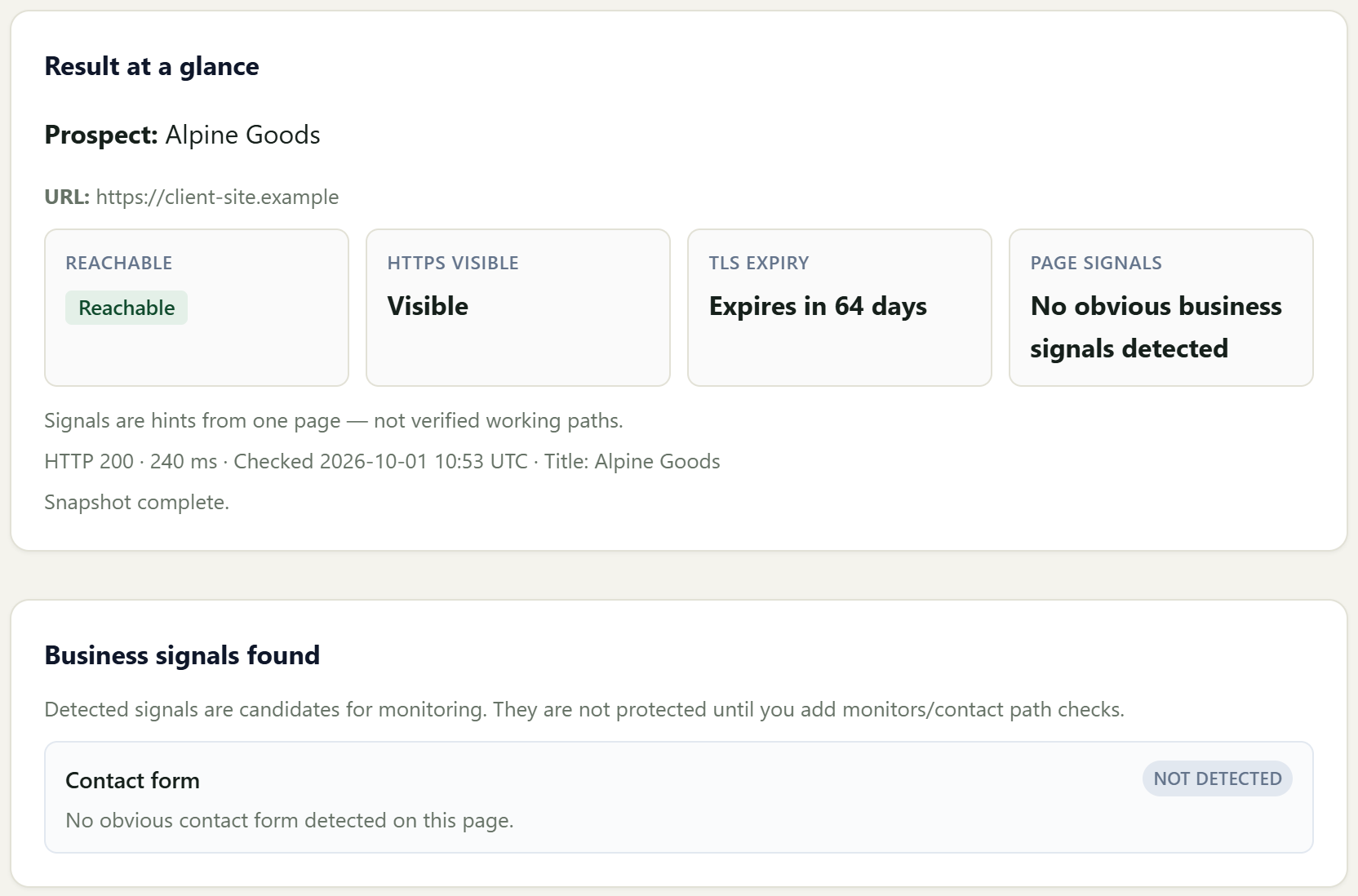
The finding
First check for client-site.example. The page is reachable, and no contact form was detected.
Guided demo
A client website is checked. Monitorwise keeps watching it in the background. When a site needs attention, you see it. Then you have a report you can show the client.
First check
Monitoring evidence01
See the important result without digging through technical detail.
Start with the website you are responsible for. A first check shows whether the site looks reachable and whether anything needs a closer look.
Use a real client URL when you are ready. The walkthrough below is an example.
The finding
First check for client-site.example. The page is reachable, and no contact form was detected.
Background watching
Monitoring evidence02
Monitorwise checks automatically so you do not have to revisit every site manually.
Monitorwise keeps watching the client site in the background. You do not have to check it by hand.
To watch a real site, start from Run an audit.
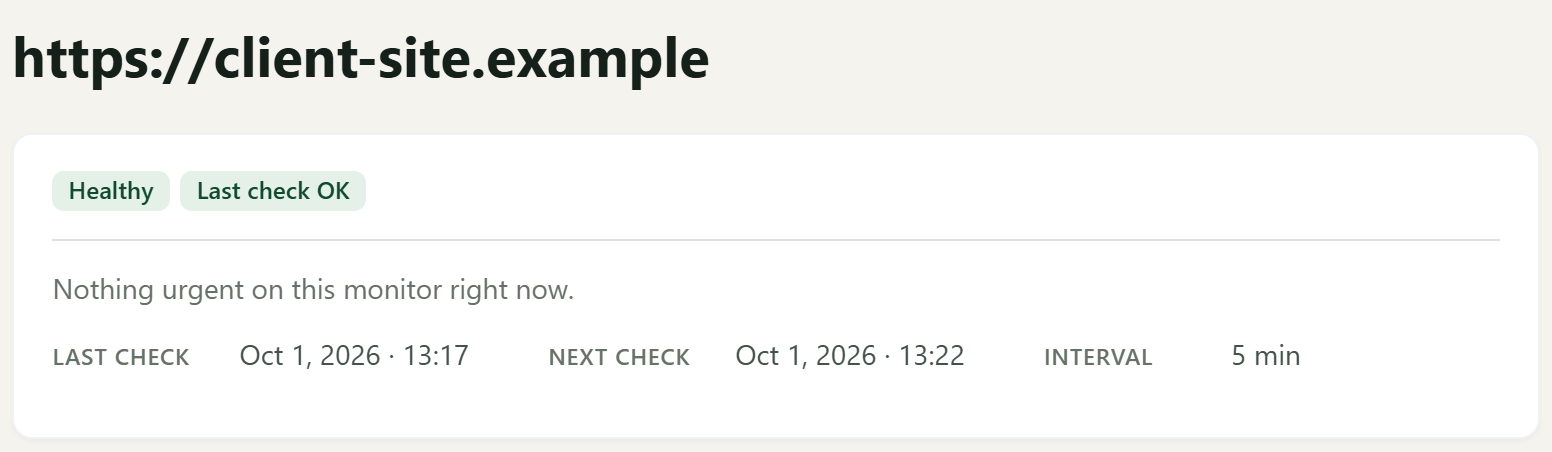
Still being checked
client-site.example is being watched every 5 minutes. The latest check is healthy.
Needs attention
Risk and attention03
One view shows which client site deserves your attention now.
When something important changes, you see which client site needs you. Monitorwise surfaces the issue. It does not fix the website for you.
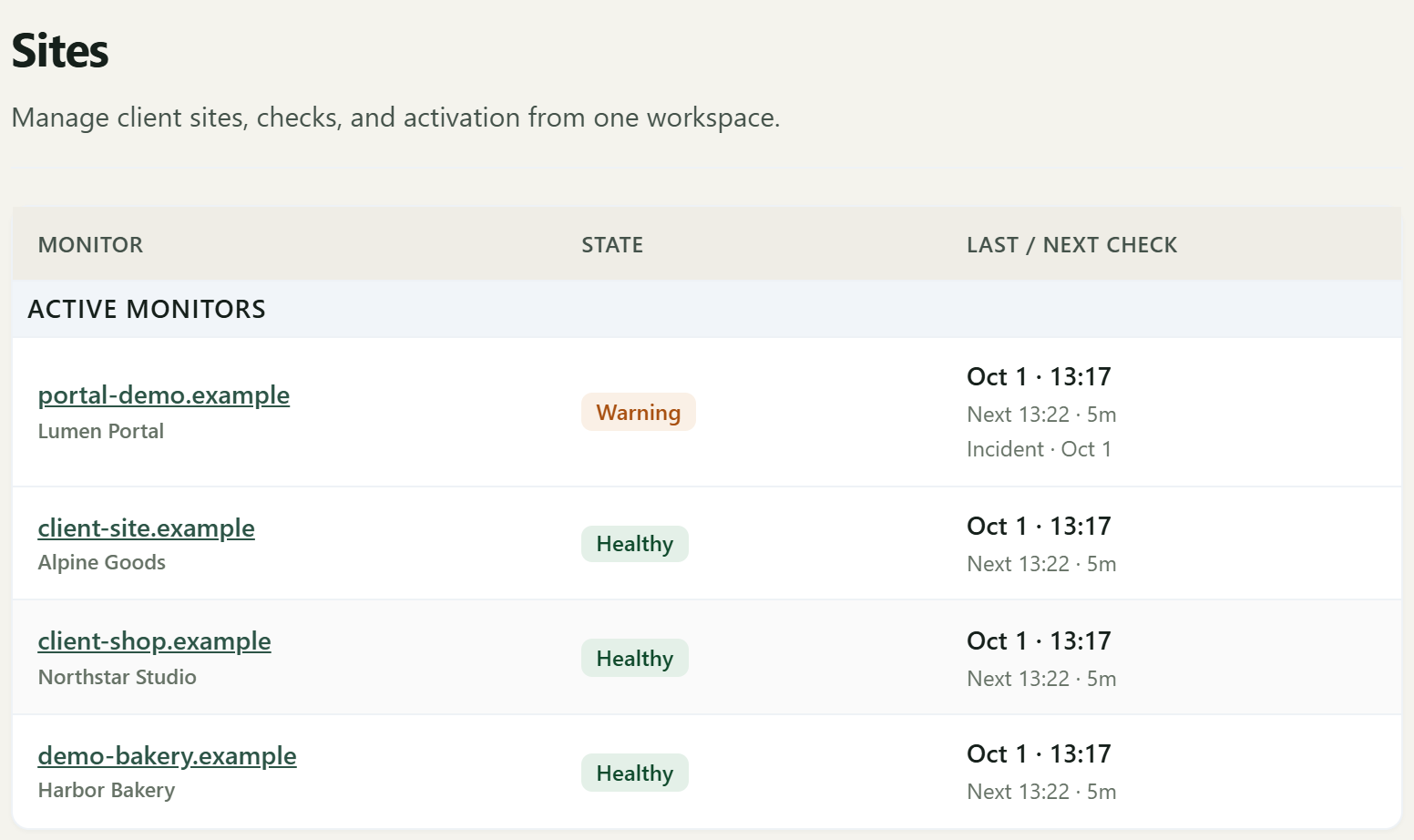
Needs a look
Four client sites. portal-demo.example needs attention. The other three are healthy.
Report ready
Client report04
Give the client a clear report instead of forwarding technical alerts.
Monitoring history becomes a report you can review and share.
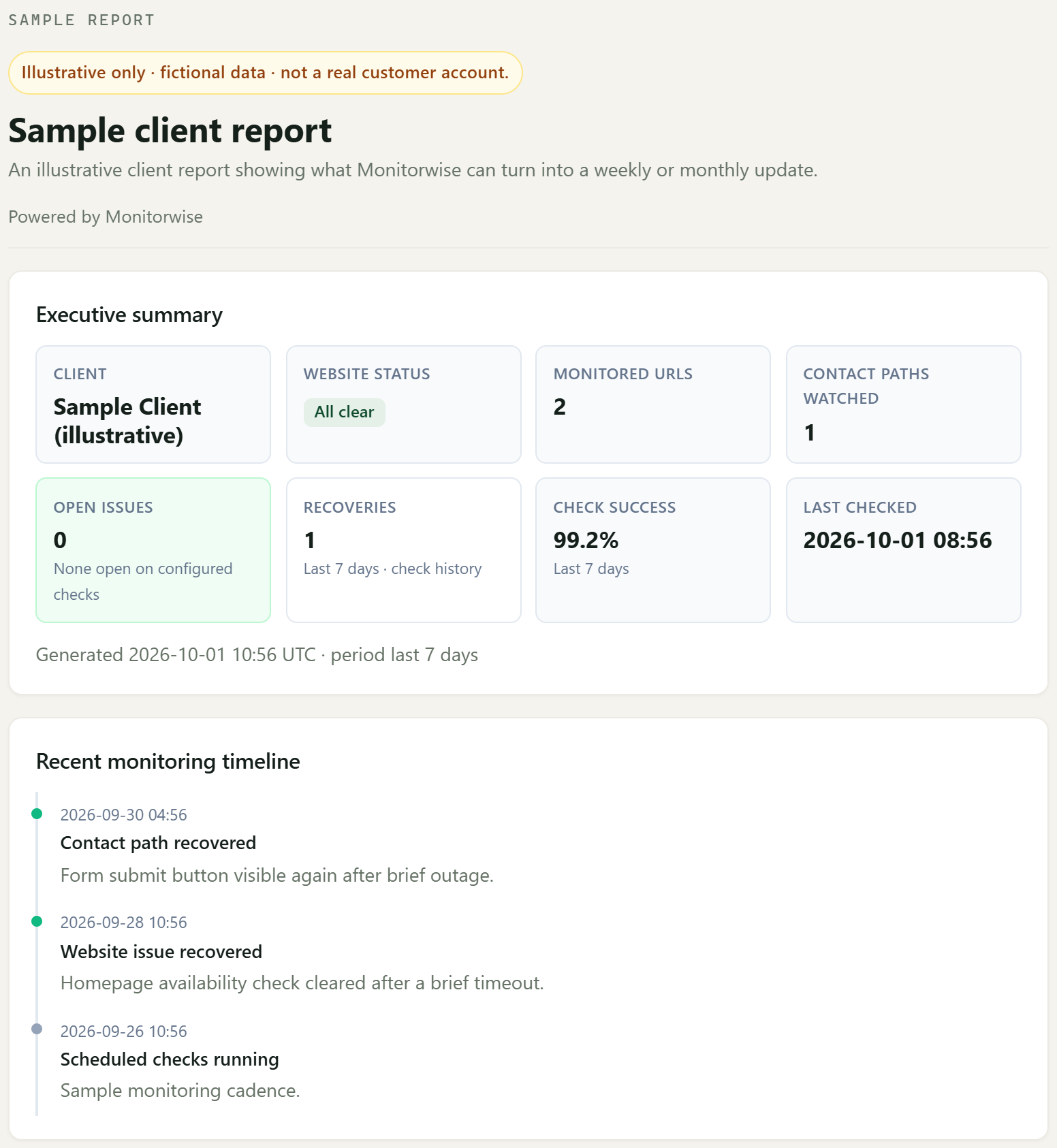
Proof for the client
Illustrative client report: all clear, 99.2% check success, and one recovery in the last 7 days.
When the roster grows
See which client sites are healthy and which need attention first. A site health score and a priority list of sites needing attention help you review the roster before you start the day's work.
Keep a running record of monitoring work, recoveries, and the client report. The work record sits with the client report so you can show what was monitored over time.
Turn existing risk, health, and value evidence into a reviewable client update draft. A suggested client message stays with you for review — it is not sent to the client automatically.
Watch important booking, signup, contact, or checkout paths — not just a homepage. These checks watch those pages. They do not submit live forms.
Larger agencies can add report branding, team access, AI usage controls, and a day-to-day Studio view. That includes report branding, white-label client reports, team seats, and AI usage.
Care plans
Show what was checked and monitored before the client asks what was done.
Watch the pages and CTAs that create leads, bookings, and inquiries.
Turn monitoring history into cleaner client-ready reports.
See issues across multiple client sites without spreadsheet chaos.